TL;DR
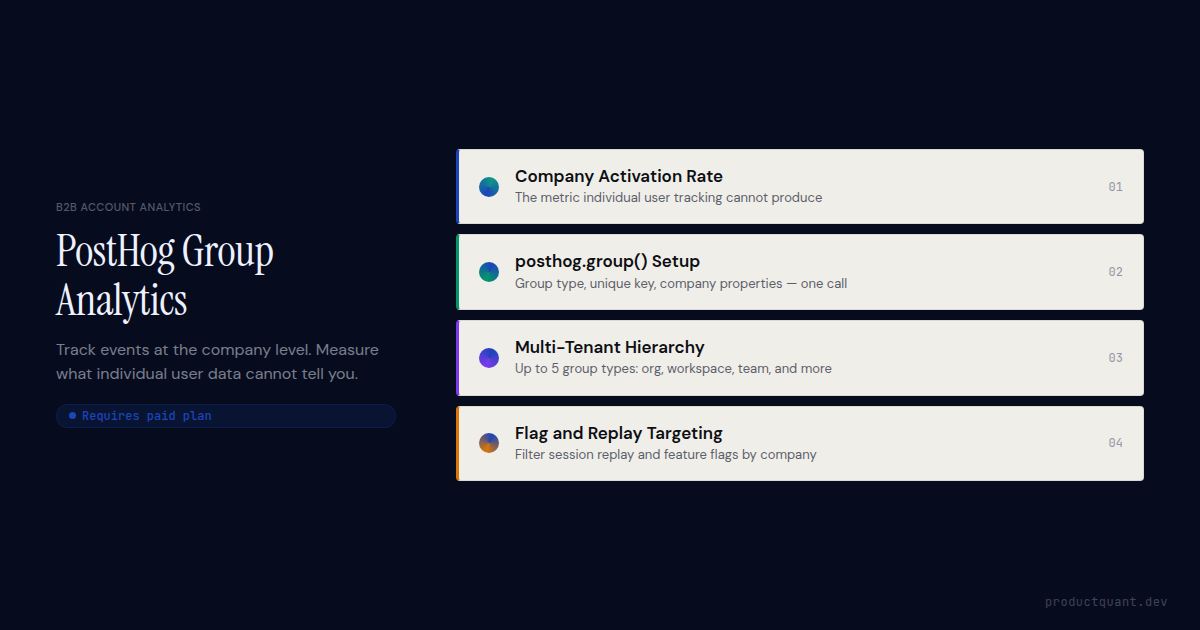
- PostHog group analytics ties events to companies (or any group entity) alongside the individual user who fired them. You query either level independently.
- Call
posthog.group(groupType, groupKey, properties)at session start, after login, whenever the user's group context changes. - PostHog supports up to five group types per project: organization, company, workspace, team, whatever fits your product hierarchy.
- Group properties (plan, company size, MRR, industry) live on the group object and are set via
posthog.groupIdentify()or passed directly in theposthog.group()call. - Group analytics is not available on PostHog's free plan. It requires a paid product analytics subscription.
- Group analytics is not a CRM. It tracks events and properties. It does not store contacts, deal stages, or notes, and it does not trigger automations on its own.
Why user-level data gives B2B teams the wrong answer
In B2B SaaS, the buying decision and the renewal decision both happen at the company level, not the user level. A user activation rate of 60% sounds healthy until you break it down. All of your SMB accounts activated. Half of your enterprise accounts never completed onboarding. The aggregate number hid the most important signal in your data.
User-level analytics answers questions about individuals. Which users completed the onboarding flow? Which users visit the settings page? For consumer apps, those are the right questions. For B2B SaaS, the revenue questions are different. Which companies activated? Which plan tiers have the highest feature adoption? Which accounts are using the product less than they did 30 days ago?
That distinction is what group analytics exists to make visible.
Consider session replay. A user abandons the billing settings page. In isolation, that is noise. If it is one of seven users from a 200-seat enterprise account all abandoning the same page in the same week, that is a churn signal. Group analytics gives you the context to tell the difference.
What PostHog groups actually are
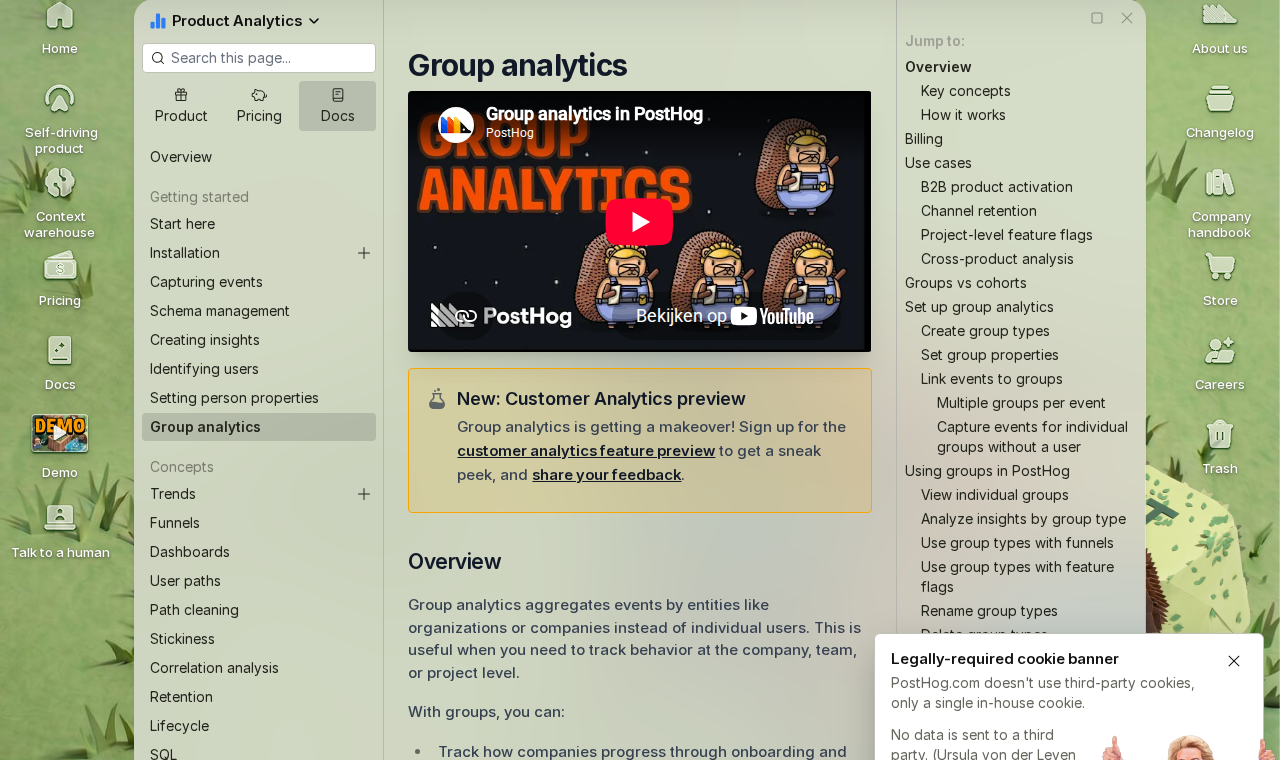
A PostHog group is a named entity that events get attributed to alongside the user who fires them. When you call posthog.group(), PostHog attaches the group identity to every subsequent event captured in that browser session. The event appears in PostHog with both a user identity and a group identity, so you can query at either level without instrumenting anything twice.
Groups have three components. A type, a unique key, and an optional set of properties. The type is a label for the category of entity ("company", "organization", "workspace"). The key is the unique identifier for the specific instance of that entity. Use your internal company ID, not the company name. The properties are traits on the group object. Plan tier, company size, industry, MRR, whatever matters for your segmentation.
PostHog stores group properties separately from person properties. A person profile belongs to one user. A group profile belongs to every user in that group. When any user fires an event with a group attached, PostHog records it against the group's profile automatically.
Setting up your first group type
The posthog.group() call takes three arguments. A group type string, a unique group key, and an optional properties object. Call it after the user authenticates, once you know which company or organization they belong to. From that point forward, every event in the session carries the group identity automatically.
// After login, once you have the user's company context
posthog.identify(user.id, {
  email: user.email,
  name: user.name,
});

posthog.group('company', user.company.id, {
  name: user.company.name,
  plan: user.company.plan,          // 'starter' | 'growth' | 'enterprise'
  company_size: user.company.seats,
  industry: user.company.industry,
  mrr: user.company.mrr,
  created_at: user.company.createdAt,
});
The group type string becomes a dimension in PostHog. You will reference it by name when filtering Insights, so use something human-readable and consistent. "company" is the most common for B2B SaaS. "organization" works if your product distinguishes organizations from individual companies.
Call posthog.group() on every page load
PostHog group context does not persist across page loads by default. Call posthog.group() in the same block where you call posthog.identify(), which typically runs on every page load inside your authentication check. If you only call it once at login, events on subsequent sessions arrive without group attribution.
Missing it on even a fraction of sessions means gaps in your company-level data. Those gaps compound. A company that looks low-engagement may just have users with unattributed sessions. Fix the call site first, before drawing conclusions from the data.
// Runs on every page load once the user is authenticated
function initAnalytics(user) {
  posthog.identify(user.id, {
    email: user.email,
    name: user.name,
    role: user.role,
  });

  // Set group context for every session — not just on login
  if (user.company) {
    posthog.group('company', user.company.id, {
      name: user.company.name,
      plan: user.company.plan,
    });
  }
}
Note that passing properties in every posthog.group() call fires a $groupidentify event, which counts toward your event quota. If that becomes a billing concern, pass the group type and key on page loads but only include the properties object when the data has changed. The group profile in PostHog is updated incrementally; properties you omit are not cleared.
Group properties: what to track at the company level
Group properties are company-level traits stored on the group object, not on individual user profiles. They are the dimensions you use to segment company-level analytics. Filtering funnels by plan tier, comparing retention across company sizes, identifying which industries have the shortest time to value.
The properties worth setting from the start fall into three categories. Plan and commercial data drives the most queries:
- plan: the subscription tier the company is on, as a stable string value ("starter", "growth", "enterprise")
- mrr: monthly recurring revenue for this account, updated whenever the subscription changes
- seats_purchased: the number of seats or licences under contract
- seats_active: the number of seats with at least one login in the last 30 days (set server-side on a schedule)
- contract_start_date: when the company's current contract started, for cohort analysis by contract age
Firmographic data lets you segment by company profile rather than commercial behaviour:
- company_size: number of employees, either exact or a band ("1-10", "11-50", "51-200", "201-1000", "1000+")
- industry: the company's sector, using a consistent taxonomy your sales team already uses
- country: the company's primary operating location, useful for compliance and localisation queries
Lifecycle data tells you where the company is in its relationship with your product:
- activation_date: the ISO timestamp when the company hit your activation event for the first time
- health_score: if you calculate a customer health score, store it here and update it on a schedule
- csm_owner: the name or ID of the CSM responsible for this account, so you can filter dashboards by CSM
Set group properties from your backend whenever the source of truth is your database rather than a client session. Use posthog.groupIdentify() server-side or the PostHog API to keep properties current without relying on a user visiting the product.
from posthog import Posthog

posthog = Posthog(project_api_key='phc_...', host='https://us.i.posthog.com')

# Update group properties from your database
# Run this whenever subscription or firmographic data changes
posthog.group_identify(
    group_type='company',
    group_key=company.id,
    properties={
        'name': company.name,
        'plan': company.plan,
        'mrr': company.mrr,
        'seats_purchased': company.seats,
        'seats_active': company.active_seat_count,
        'health_score': company.health_score,
        'csm_owner': company.csm_name,
    }
)
Querying company-level funnels and retention
Once group analytics is wired up, every PostHog Insight can be switched from user-level to group-level analysis with a single toggle. In a funnel, change "Unique users" to "Unique companies" in the aggregation dropdown and the funnel recalculates at the account level. A 10% conversion rate that looked fine may reveal that 0 of your 5 enterprise accounts completed the flow.
Retention by company cohort
Company-level retention answers a question user-level retention cannot. Are your accounts coming back, independent of how many individual users are active inside them? A 50-seat account where only 3 users log in each month is not healthy, even if those 3 users are highly engaged. Company retention surfaces the account-level pattern.
Set up a retention insight with "Unique companies" as the unit and filter by a meaningful activation event as the starting action. Group the returning action by "any event" to see general re-engagement, or by a specific feature event to see whether accounts that tried a feature continue using it.
Break the retention chart down by the "plan" group property. Growth accounts may retain at 80% while starter accounts retain at 40%. That gap tells you something about the product's value delivery at different tiers, and it is invisible until you split by group property.
Session replay filtered by company
Session replay in PostHog includes group properties in its filter panel once group analytics is active. You can find every recording associated with a specific company ID, or filter recordings to only companies with a health score below a threshold. This makes it possible to watch exactly what is happening at an account that is showing churn signals, without hunting through thousands of individual recordings.
The most useful filter combination is company plan tier plus a date range. Pull up all recordings from enterprise accounts in the last two weeks before a renewal date and watch what they were doing. This is the kind of context a CSM conversation rarely surfaces.
B2B analytics needs account-level data from day one.
ProductQuant sets up PostHog group analytics as part of a fixed two-week engagement covering group type design, property schema, server-side identification, company-level dashboards, and handover. Most teams have this wired up and producing useful data within the sprint.
Modeling organization, workspace, and user hierarchies
PostHog supports up to five group types per project, which covers every B2B hierarchy I have seen in production. The most common pattern for multi-tenant products is two levels. A top-level organization is the paying entity. A workspace or team is the unit of actual product use.
// User belongs to an organization (billing entity)
// and a workspace (the team they work in day to day)
posthog.identify(user.id, {
  email: user.email,
  name: user.name,
});

posthog.group('organization', user.org.id, {
  name: user.org.name,
  plan: user.org.plan,
  mrr: user.org.mrr,
});

posthog.group('workspace', user.workspace.id, {
  name: user.workspace.name,
  org_id: user.org.id,           // cross-reference to parent
  workspace_size: user.workspace.memberCount,
});
When you call posthog.group() for multiple group types in the same session, PostHog attaches all of them to subsequent events. A single event has both an organization identity and a workspace identity. You query at whichever level the question requires.
Use the organization level for commercial and retention questions. Which organizations are renewing, which plan tiers have the highest activation rates, which industries churn fastest. Use the workspace level for product questions instead. Which teams use feature X, which workspaces have the most active users, which workspace sizes complete onboarding fastest.
When three or more group types are justified
Most products do not need more than two group types. Three or more become useful in specific cases. Products with a platform layer above the organization, like a reseller or agency managing multiple client accounts. Products where the product entity and the billing entity are structurally different. Products where teams within a workspace need separate analytics visibility.
Adding group types has a cost beyond setup complexity. Each additional group type means more posthog.group() calls per session, more $groupidentify events in your quota, and more dimensions to maintain in your property schemas. Start with the minimum number of group types that answers your most important questions. You can add more later.
Five B2B metrics group analytics makes possible
Group analytics unlocks a category of analysis that simply does not exist in user-level tracking. These five metrics are the ones B2B product teams request most often once they understand what becomes available.
Company activation rate
Company activation rate is the percentage of accounts that have hit your activation event at least once, measured at the company level rather than counting individual users. Build it as a funnel from account creation to your activation event, set the aggregation to "Unique companies", and break it down by plan tier or company size.
This is the metric that most often surfaces onboarding problems that user-level data hides. A 70% user activation rate can coexist with a 30% company activation rate if larger companies have many users who signed up but never activated. The company number is the one your sales team cares about.
Feature adoption by plan tier
Feature adoption segmented by plan tier answers the question your sales team needs answered before every upsell conversation. Build a trend chart of users firing the feature event, break it down by the "plan" group property, and you can see whether your advanced features are being used by the plan tiers where they are supposed to drive value.
If enterprise plan companies use a feature at the same rate as starter plan companies, either the feature is not delivering tier-specific value or your growth plan customers are underusing what they paid for. Both conclusions change what sales and product should do next.
Account expansion signals
Expansion signals are patterns in group-level event data that precede a seat expansion or plan upgrade. Pull usage trends for accounts that subsequently expanded and work backwards. Which events or event frequencies were elevated in the 30 days before they upgraded? Those are your leading expansion indicators.
The common expansion signals in B2B SaaS are consistent enough to watch for. Seat utilisation above 80% for two consecutive weeks. More than three distinct users hitting a premium feature in a single session. The company's events-per-seat ratio growing faster than the industry median. Group analytics makes all of these measurable. None of them are visible at the user level.
At-risk account identification
Churn prediction in B2B SaaS starts with identifying which companies have reduced their product usage relative to their own historical baseline. Build a trend of events per company over time, filter to companies whose 30-day event count has dropped by more than 30% compared to the prior 30 days, and you have an at-risk cohort that your CSM can work through before the renewal conversation.
This is easier than it sounds in PostHog. A HogQL query that calculates events per company per week and flags the delta gives you the list. The hard part is building the habit of reviewing it weekly, not the instrumentation.
Time to value by company segment
Time to value measures how many days pass between an account's first event and their first activation event, averaged across companies. Segment this by company size and plan tier. If enterprise accounts take three times longer to activate than SMB accounts, and you want to improve the enterprise onboarding experience, you need that number to know where to focus.
Group analytics makes the segmentation possible. Without it, you can measure time to activation at the user level, but users at an enterprise account may activate individually without the company as a whole activating. The company-level measurement is the one that correlates with retention.
What PostHog group analytics does not do
Group analytics tracks events and properties at the company level. It is not a CRM and does not replace one. PostHog group profiles store behavioural data and the properties you explicitly set. They do not store contact records, deal stages, call notes, support tickets, or any of the relationship data that lives in Salesforce or HubSpot.
Four limitations come up regularly in implementations:
- No bulk property import. PostHog does not accept a CSV of company data. Group properties must come through the SDK or API, either via
posthog.groupIdentify()client-side or the REST API's group identify endpoint. For an initial load of existing company data, you write a script that calls the API for each company in your database. - No automated triggers. Group analytics collects the data but does not act on it. To trigger a Slack message when a company's usage drops, you need a PostHog CDP destination (or a separate monitoring script) querying the data and pushing it elsewhere. PostHog does not have native alerting based on group-level thresholds.
- No retroactive attribution. Events captured before
posthog.group()was called in a session are not retroactively attributed to the group. If a user completes an important action before your analytics initialization runs, that event has no group identity. Fix the initialization order, but accept that historical data from before you added group analytics will have gaps. - Properties omitted are not cleared. If you call
posthog.group()with a subset of properties, only those properties are updated. Properties from previous calls are retained. This is usually the behaviour you want, but it means stale properties persist until you explicitly overwrite them. Keep this in mind for properties likeplanormrrthat change over time.
These limitations are worth knowing before you design your analytics schema, not after you have shipped instrumentation that relies on behaviour PostHog does not support.
Group analytics on the PostHog free plan
Group analytics is not available on PostHog's free tier. The free plan includes product analytics, session replay, feature flags, and surveys up to the free monthly limits, but group analytics requires a paid product analytics subscription. Check the PostHog pricing page for current plan availability, as plan structure changes periodically.
The event cost of group analytics is worth modelling before you enable it at scale. Each posthog.group() call that includes a properties object fires a $groupidentify event. If you call it on every page load with a full properties object and your product has 50,000 monthly active users averaging 20 sessions per month, that is one million additional events per month from group identification alone.
Two approaches reduce that overhead. First, pass properties only in the posthog.group() call when the data has changed, and pass just the type and key otherwise. Second, set group properties server-side via group_identify() on a schedule, and omit properties from the client-side call entirely. The group profile updates from the server call; the client call just attaches the group context to the session.
Neither approach requires significant engineering effort. The second is cleaner for properties sourced from your database anyway, since it keeps the source of truth in one place rather than pushing database values through the client session.
FAQ
Can I have multiple group types in PostHog at the same time?
Yes, up to five group types simultaneously per project. A user can belong to an organization group and a workspace group in the same session. Call posthog.group() once for each group type at session start. Each type has its own set of group properties and appears as a separate dimension in PostHog Insights.
Does PostHog group analytics work with feature flags?
Yes. Feature flags can be evaluated at the group level. You can roll out a flag to all users in companies on your enterprise plan, or run an experiment targeting companies above a certain seat count. Flag targeting uses group properties the same way user-level flags use person properties.
Can I filter session replays by company?
Yes. Once group analytics is active, the session replay filter panel includes group properties. Filter by company ID to see every recording from a specific account, or filter by a group property value such as plan tier to watch a specific cohort. This is particularly useful for CSM workflows around at-risk accounts.
How do I set group properties from my backend?
Use the Python or Node SDK's group_identify() method, or the PostHog REST API. Pass the group type, group key, and properties object. Run this whenever the relevant company data changes in your system. On subscription change, on company size update, or on a daily schedule for properties like seats_active that you compute from your database. Server-side identification is the right approach for any property whose source of truth is your database rather than a client session.
Do group events count toward my PostHog billing?
Group identification events count as standard events. Each posthog.group() call with a properties object fires a $groupidentify event. To minimise the overhead, pass properties only when they change rather than on every page load, or set group properties server-side and omit the properties object from client-side calls.
Can I import existing company data into PostHog group properties?
PostHog does not support CSV import for group properties. Use the PostHog API group identify endpoint to load existing company data in a one-time script. Iterate over your company records, call the endpoint for each one with the relevant properties, and the group profiles will be populated. After the initial load, keep properties updated via server-side group_identify() calls whenever the data changes in your system.
Sources
- PostHog Group Analytics Documentation: group types, posthog.group() API, group properties, and querying group data in Insights
- PostHog Getting Started: Group Analytics: initial setup walkthrough and group type design guidance
- PostHog Tutorial: Frontend vs Backend Group Analytics: when to use client-side vs server-side group identification
- PostHog Pricing: plan availability for group analytics and event billing details
- ProductQuant group analytics implementation experience: group type design, property schema, multi-tenant hierarchy modeling, company-level dashboard patterns
B2B PostHog Setup
Group analytics done right from day one.
Most teams add group analytics after the fact and discover their historical data has gaps. ProductQuant designs the group type schema, property model, and server-side identification in the first week of the sprint so the data is clean from the start.

About the Author
Jake McMahon is a product analytics strategist and founder of ProductQuant, working with B2B SaaS teams on analytics implementation, platform migrations, and the infrastructure that makes product decisions defensible.
The group analytics patterns described here reflect production implementations across multiple B2B SaaS products, including group type design decisions, multi-tenant hierarchy modeling, and the company-level dashboard structures that CSM and product teams actually use.