TL;DR
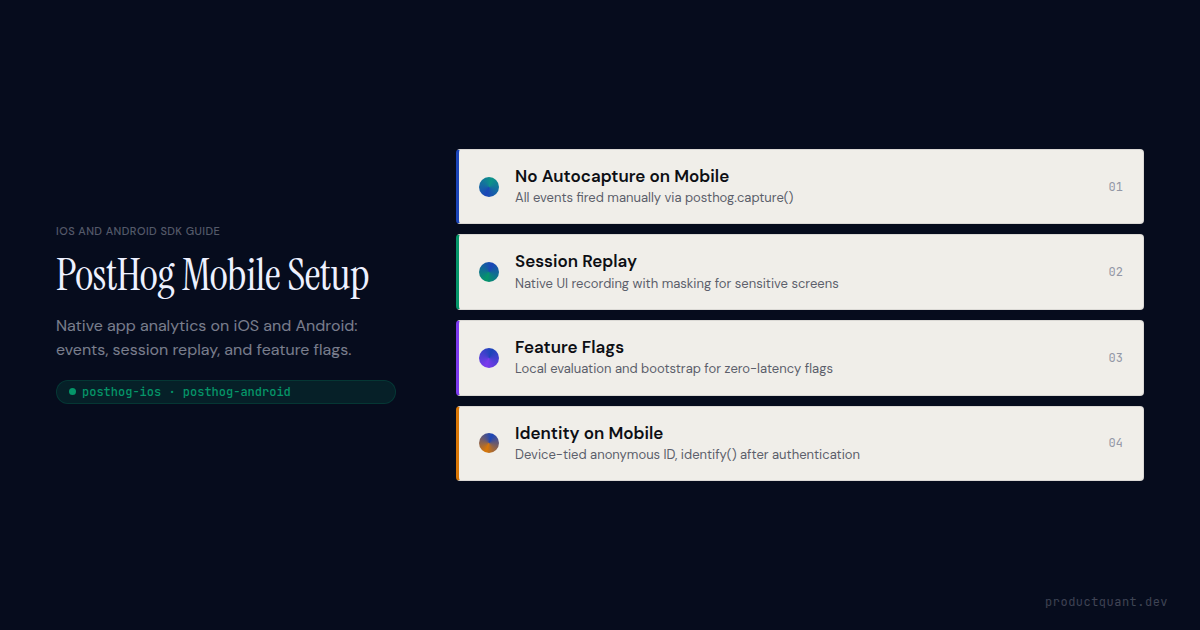
- PostHog does not autocapture button taps or interactions on iOS or Android. All behavioural events are fired manually via
posthog.capture(). Screen views and app lifecycle events can be captured automatically via config options. - iOS SDK: install via Swift Package Manager from
github.com/PostHog/posthog-ios. CallPostHogSDK.shared.setup()in your App delegate or SwiftUI App entry point. - Android SDK: install via Gradle from Maven Central. Call
PostHog.setup()in your Application class'sonCreate(). - Session replay is available on both platforms. It records the native UI as a video stream and masks text inputs by default. Sensitive screens require explicit masking via
PostHogMaskView(iOS) or the Android equivalent. - Feature flags work on both SDKs with local evaluation support for low-latency flag checks. Bootstrap flag values at launch to eliminate loading delays on the first screen.
- The anonymous distinct ID on mobile is tied to the app install, not a session. It persists across restarts until the app is uninstalled or
posthog.reset()is called.
How mobile analytics differs from web PostHog
The most important thing to understand before writing a single line of mobile analytics code is that PostHog's autocapture does not work on native iOS and Android the way it works on the web. On web, the JavaScript SDK captures clicks, form submissions, and page views without any manual instrumentation. On mobile, that does not exist. Every behavioural event is fired manually via posthog.capture(). Button taps, feature interactions, funnel steps, all of them.
That is not a limitation. It is the correct way to build mobile analytics. Autocapture on mobile would produce an enormous volume of low-signal interaction events with unpredictable property schemas. Manual instrumentation forces deliberate choices about what to measure, which produces cleaner data and more trustworthy funnels.
Three other differences matter in practice. First, sessions on mobile are defined by foreground and background events, not page loads. A user who switches to another app and returns is in the same session; a user who backgrounds the app for 30 minutes may or may not be, depending on your session timeout config. Second, the anonymous distinct ID on mobile is tied to the device installation, not a browser cookie. It persists across app restarts, which means pre-login event history is more reliably attributable to a device than it would be on web. Third, events queue locally when the device is offline and flush when connectivity returns.
Understanding these three differences first prevents the implementation mistakes that are hardest to fix later.
Installing and configuring the PostHog iOS SDK
The PostHog iOS SDK is a Swift package distributed via Swift Package Manager and CocoaPods. Swift Package Manager is the recommended installation path for apps targeting iOS 13 and above. Add the package by pointing Xcode's package manager at https://github.com/PostHog/posthog-ios and selecting the posthog-ios library.
Initializing the SDK
Initialize PostHog in your App delegate's application(_:didFinishLaunchingWithOptions:), or in your SwiftUI App struct's init(). Run it once at app start, before any events fire. Calling setup more than once in an app lifecycle produces duplicate event streams.
import PostHog
import SwiftUI

@main
struct MyApp: App {
    init() {
        let config = PostHogConfig(
            apiKey: "phc_your_project_key",
            host: "https://us.i.posthog.com"  // or eu.i.posthog.com
        )

        // Capture screen views automatically
        config.captureScreenViews = true

        // Capture app lifecycle events (app_opened, app_backgrounded, etc.)
        config.captureApplicationLifecycleEvents = true

        // Session replay — disable if not needed, it adds event volume
        config.sessionReplay = false

        // Flush events every 30 seconds (default)
        config.flushInterval = 30

        PostHogSDK.shared.setup(config)
    }

    var body: some Scene {
        WindowGroup {
            ContentView()
        }
    }
}
Set captureScreenViews to true and PostHog automatically fires a $screen event each time the user navigates to a new UIViewController or SwiftUI view. The event includes a $screen_name property derived from the view controller class name or the view's navigation title. This gives you screen-level analytics without manually firing events on every view.
Capturing custom events on iOS
Every behavioural event beyond screen views requires a manual PostHogSDK.shared.capture() call. Place these at the exact moment the action occurs. In the button's action handler, in the completion block of a network request, in the delegate method that confirms a user action.
// In a button action or feature completion handler
PostHogSDK.shared.capture(
    "task_completed",
    properties: [
        "task_id": task.id,
        "domain": task.domain,         // "mindset" | "health" | "career"
        "day_number": task.dayNumber,
        "duration_seconds": task.duration,
        "completed_at": ISO8601DateFormatter().string(from: Date())
    ]
)
Keep event names in snake_case and consistent with whatever taxonomy your backend events use. Mixing naming conventions across iOS, Android, and server-side SDKs produces funnels that silently undercount because the same action has different event names on different platforms.
Installing and configuring the PostHog Android SDK
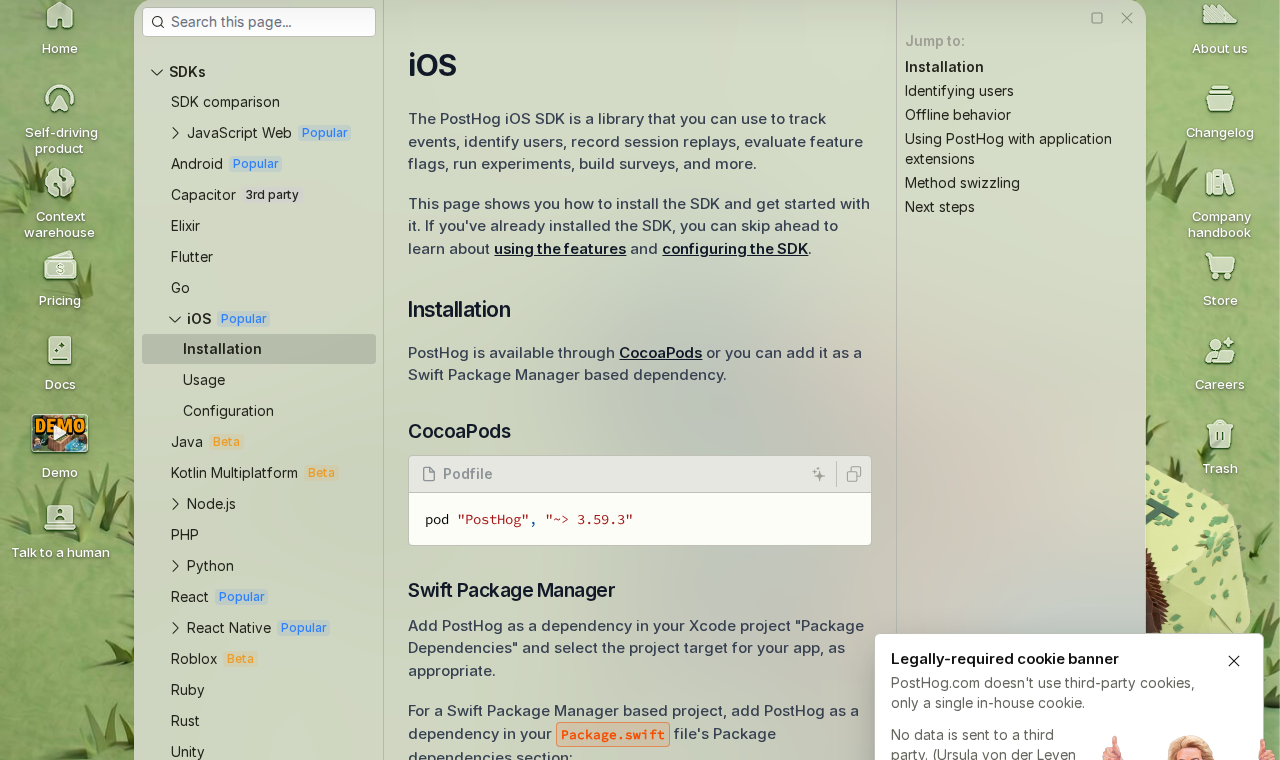
The PostHog Android SDK is distributed via Maven Central and added to your project's Gradle build file. It requires Android API level 21 (Android 5.0) or above. Add the dependency, sync Gradle, and initialize in your Application class.
// build.gradle (app module)
dependencies {
    implementation("com.posthog:posthog-android:3.+")
}

// AndroidManifest.xml — add internet permission if not already present
<uses-permission android:name="android.permission.INTERNET" />
Initializing on Android
Initialize PostHog in your Application class's onCreate() method, not in an Activity. Activity-level initialization means PostHog starts late, after your app has already been running for at least one lifecycle cycle. Events fired before initialization are silently dropped.
import com.posthog.PostHog
import com.posthog.android.PostHogAndroid
import com.posthog.android.PostHogAndroidConfig

class MyApplication : Application() {
    override fun onCreate() {
        super.onCreate()

        val config = PostHogAndroidConfig(
            apiKey = "phc_your_project_key",
            host = "https://us.i.posthog.com"
        ).apply {
            captureScreenViews = true
            captureApplicationLifecycleEvents = true
            flushAt = 20          // flush after 20 queued events
            flushIntervalSeconds = 30
        }

        PostHogAndroid.setup(this, config)
    }
}
Register your Application class in AndroidManifest.xml via the android:name attribute on the <application> element. If this step is missed, Android creates the default Application class and PostHog never initializes.
Capturing events on Android
The Android capture API mirrors the iOS API closely. Call PostHog.capture() from any context (Activity, Fragment, ViewModel, or service) because the SDK is initialized as a singleton.
PostHog.capture(
    event = "subscription_started",
    properties = mapOf(
        "plan_id" to subscription.planId,
        "trial" to subscription.isTrial,
        "revenue_usd" to subscription.priceUsd,
        "source" to "paywall_screen"
    )
)
Subscription events like subscription_started and subscription_cancelled should fire server-side at receipt validation time, not from the client. Client-side subscription events can be missed when the app is closed before the SDK flushes, and they can be spoofed. Fire the confirmation event from your backend using the PostHog Python or Node SDK when the payment is confirmed.
Mobile event taxonomy: what to capture and when
A mobile event taxonomy needs to account for the app lifecycle in a way a web taxonomy does not. On web, a page load is a natural session boundary and a URL change is a natural navigation event. On mobile, neither of those constructs exists. Your taxonomy has to be deliberate about what constitutes a meaningful user action versus background noise.
Start with the lifecycle layer, which PostHog can capture automatically with captureApplicationLifecycleEvents = true:
- Application Installed: fired once on first launch after install, with app version and build properties
- Application Opened: fired each time the app comes to foreground, with whether it was a cold start or a resume
- Application Backgrounded: fired when the app moves to background
- Application Updated: fired on first launch after an update, with previous and new version
These come for free once the config option is enabled. Do not re-implement them manually.
The product layer is where manual instrumentation begins. These events answer the questions your funnels and retention charts need:
- onboarding_step_completed: fire at each onboarding screen with a
step_nameandstep_indexproperty. This gives you a drop-off funnel across the entire onboarding flow. - feature_used: fire when a user meaningfully engages with a feature, not when they view it. The distinction matters for activation analysis. Viewing a feature and using it are different signals.
- paywall_viewed: fire when the subscription paywall appears, with a
triggerproperty indicating what caused it to show. - subscription_started: fire server-side at receipt validation. Include
plan_id,trial: bool, andrevenue_usdso revenue analytics is possible. - subscription_cancelled: fire server-side when Apple or Google confirms the cancellation. Include
days_activeand any cancellation reason code available from the platform.
Keep property schemas consistent across iOS and Android. If the iOS event uses plan_id and the Android event uses planId, PostHog treats them as different properties. Every funnel that spans both platforms will undercount.
Mobile PostHog done properly from the start.
ProductQuant designs the event taxonomy, configures the iOS and Android SDKs, sets up session replay with the right privacy masks, and delivers a dashboard suite and handover. Fixed two-week engagement.
Session replay on iOS and Android
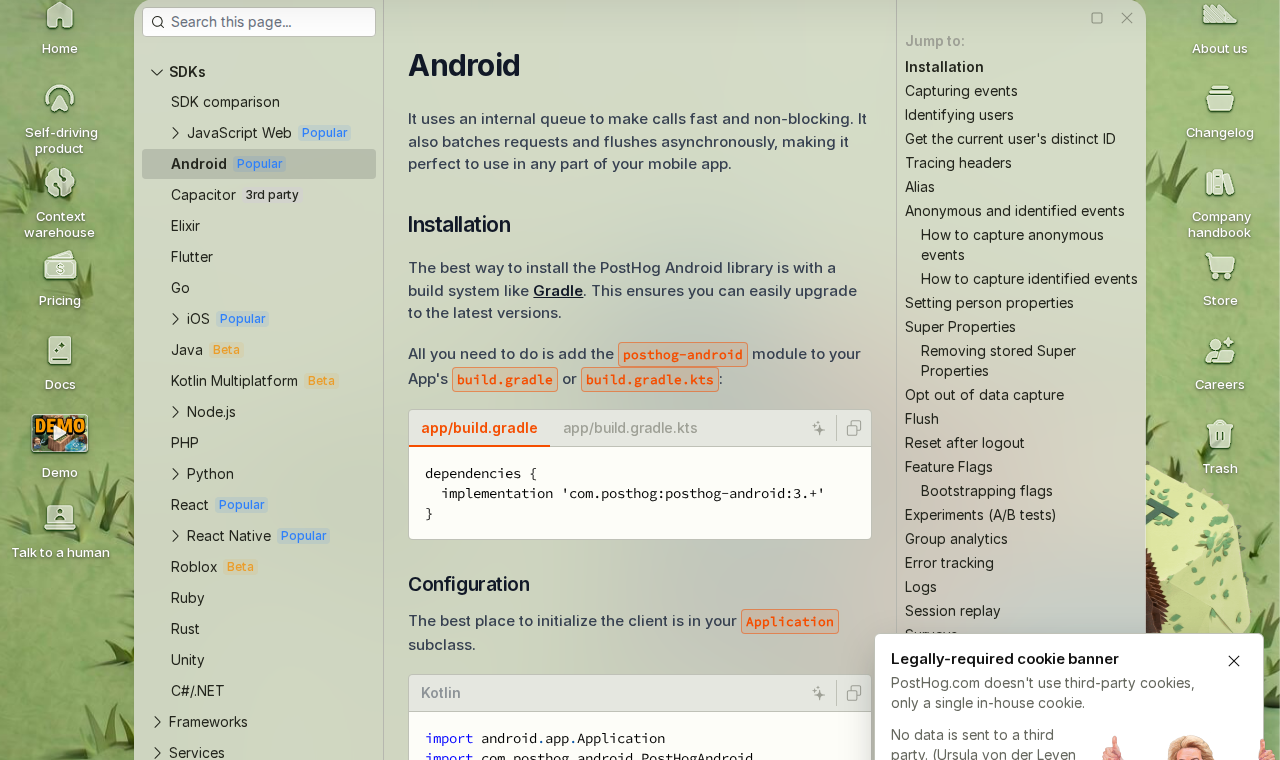
PostHog's mobile session replay records the native UI as a video stream, capturing what users actually see on screen rather than a DOM snapshot the way web replay does. It is available on both iOS and Android, enabled separately from the main SDK config, and billed at the same rate as web session replay.
Enable it in the SDK config and set a sample rate that matches your replay budget:
let config = PostHogConfig(apiKey: "phc_...")
config.sessionReplay = true
config.sessionReplayConfig.iOSdkVersion = true

// Only record 20% of sessions — adjust based on your replay quota
config.sessionReplayConfig.sessionSampleRate = 0.2

// Mask all text inputs by default (enabled by default)
config.sessionReplayConfig.maskAllTextInputs = true

// Mask all images (useful if your app displays user-uploaded content)
config.sessionReplayConfig.maskAllImages = false

PostHogSDK.shared.setup(config)
Masking sensitive screens on iOS
Any screen that shows personal data, health information, payment details, or private user content must be masked before session replay is enabled in production. PostHog provides a postHogNoCapture() view modifier for SwiftUI and a PostHogMaskView wrapper for UIKit views.
// Applies to the entire view and its children
JournalEntryView()
    .postHogNoCapture()

// Or mask a specific element within a larger view
VStack {
    HeaderView()              // captured normally
    UserJournalText()         // this view and its subtree are masked
        .postHogNoCapture()
    FooterView()              // captured normally
}
Apply masking at the screen level for any view that contains user-generated content, private profile data, or financial information. Applying it too narrowly misses edge cases where sensitive content renders in an unexpected container. When in doubt, mask the whole screen and selectively unmask safe regions.
Feature flags on iOS and Android
Feature flags work on both mobile SDKs and support the same targeting rules as the web SDK. You can target flags by person properties, group properties, or a percentage rollout. The mobile SDKs add local evaluation and bootstrapping, which matter more on mobile than on web because network latency on the first screen can cause visible flag loading delays.
Checking a flag value
Call PostHogSDK.shared.isFeatureEnabled() on iOS or PostHog.isFeatureEnabled() on Android to check a flag before rendering UI. Both return a boolean for simple on/off flags and a string variant value for multivariate flags.
// Boolean flag
if PostHogSDK.shared.isFeatureEnabled("new_onboarding_flow") {
    OnboardingV2View()
} else {
    OnboardingV1View()
}

// Multivariate flag — returns nil if flag is not loaded yet
if let variant = PostHogSDK.shared.getFeatureFlag("checkout_cta_copy") as? String {
    ctaButton.setTitle(variant, for: .normal)
}
Bootstrapping flags at launch
Bootstrap flag values at initialization to make flags available immediately on the first screen, before the SDK has made a network request. Without bootstrapping, the SDK requests flag values asynchronously after initialization, and any flag-gated UI rendered before that request completes will show the default state regardless of what the flag is set to.
// Fetch flag values from your own backend at app launch
// Your backend evaluates flags server-side for this user and returns them
let bootstrapFlags = await fetchFlagsFromBackend(userId: user.id)

let config = PostHogConfig(apiKey: "phc_...")
config.bootstrap = PostHogBootstrapConfig(
    distinctId: user.id,
    featureFlags: bootstrapFlags   // ["new_onboarding_flow": true, ...]
)
PostHogSDK.shared.setup(config)
Bootstrapping requires your server to evaluate PostHog flags using the PostHog Server SDK or API before responding to the app. This adds a round-trip at launch but eliminates flag loading state from every screen in your app.
Identity and the distinct ID on mobile
The anonymous distinct ID on mobile is generated once at app install and stored in the device's local storage. It persists across app restarts and background/foreground cycles, unlike a web browser where a new session may generate a new anonymous ID if cookies are cleared. This means event history before login is more reliably attributable to a device on mobile than on web.
When and how to call identify()
Call posthog.identify() exactly once per login event, passing the user's stable server-side ID. PostHog merges the anonymous device history into the identified profile. After this point, all events from this device are attributed to the identified user.
// Called once when the user successfully authenticates
PostHogSDK.shared.identify(
    user.id,                        // your stable internal user ID
    userProperties: [
        "email": user.email,
        "name": user.name,
        "plan": user.plan,
        "created_at": user.createdAt
    ]
)
Two mistakes are common here. The first is calling identify() with a temporary or session-scoped ID. An order ID, a session token, or an email address that might change. This fragments user profiles across every login. Always use a stable server-assigned user ID.
The second mistake is calling identify() too early. Do not identify the user on app launch if they are already logged in from a previous session. Read their stored credentials, confirm they are valid, then identify. Identifying before the credentials are confirmed means a failed credential check leaves the device identified with stale user data.
Resetting identity on logout
Call PostHogSDK.shared.reset() when a user logs out. Reset generates a new anonymous distinct ID, clears the person properties set during the session, and ensures subsequent events are not attributed to the logged-out user. On shared devices (tablets used by multiple staff members, for example) missing this step means every user after the first is attributed to the first user's profile.
React Native and Flutter
PostHog maintains official SDKs for React Native and Flutter alongside the native iOS and Android libraries. If your app is built with either framework, use the cross-platform SDK rather than wrapping the native one. The official SDKs handle the platform-specific initialization, session lifecycle, and replay configuration automatically.
The React Native SDK is installed via npm as posthog-react-native and wraps the native iOS and Android SDKs. Session replay on React Native requires an additional package, @posthog/react-native-session-replay. The Flutter SDK is installed via pub.dev as posthog_flutter.
Autocapture on React Native captures navigation events if you use React Navigation and add the PostHog navigation integration. Screen transitions are captured automatically when the navigation integration is wired up. Individual interactions remain manual.
Event naming and property schemas should be identical across your React Native and native implementations if you run both. Cross-platform funnels that mix event names from different SDKs produce gaps that are difficult to diagnose.
Common mobile PostHog implementation mistakes
Most mobile analytics quality problems trace back to four implementation decisions made at the start. Fixing them after the fact means backfilling event history, which is possible but expensive.
Inconsistent event names across platforms
Define your event taxonomy in a shared document before writing a single capture call on either platform. The iOS and Android engineers should both implement from the same names and property schemas. A single shared constants file that both platforms reference eliminates accidental divergence.
If iOS fires button_tapped and Android fires ButtonTapped for the same action, PostHog treats these as separate events. A funnel that spans both platforms will undercount by however much traffic comes from Android. This is among the hardest data quality problems to spot because the funnel looks plausible, just lower than expected.
Missing identify() on re-launch
Identify is not sticky across cold starts in the way some teams assume. PostHog remembers the distinct ID mapping from the last session, but person properties are not re-sent unless you call identify() again. If person properties change between sessions (the user upgraded their plan, changed their name, joined a new organization) those changes are not reflected until identify() runs with the updated values.
Call identify() on every app launch when the user is already authenticated, not just at login. It is idempotent and cheap. The person profile stays current.
Client-side subscription events
Subscription events fired from the iOS or Android SDK are unreliable. If the user closes the app immediately after a purchase, before the SDK flushes its queue, the event is lost. Fire subscription_started, subscription_renewed, and subscription_cancelled from your backend at Apple or Google receipt validation time, using the PostHog Python or Node SDK with the user's distinct ID.
Session replay without privacy masking
Enabling session replay without reviewing which screens contain sensitive user data is the most consequential mistake on this list. Journal entries, health goals, voice recordings, and personal notes captured in session replay create a data handling problem that is very difficult to remediate after the fact. Review every screen in your app before enabling replay in production and apply masking wherever private content can appear.
FAQ
Does PostHog autocapture events on iOS and Android?
Not in the same way as web. App lifecycle events and screen views can be captured automatically via config options. Button taps and user interactions require manual posthog.capture() calls. This is by design. Mobile autocapture would generate enormous volumes of low-signal events.
Does PostHog session replay work on iOS and Android?
Yes. Mobile session replay records the native UI as a video stream. Text inputs are masked by default. Sensitive screens require explicit masking via postHogNoCapture() on iOS or the Android equivalent. Session replay on mobile is billed at the same rate as web session replay.
How does posthog.identify() work differently on mobile vs web?
The anonymous distinct ID on mobile is tied to the device installation, not a browser session. It persists across app restarts, giving you more reliable pre-login attribution than web. Call identify() once after authentication with the user's stable server-side ID. PostHog merges the device's anonymous history into the identified profile.
Does PostHog queue events when the device is offline?
Yes. Both SDKs queue events locally and flush them when connectivity is restored. Events survive an app restart. The default flush interval is 30 seconds; the default maximum queue size is configurable in the SDK init config.
Do feature flags work on the PostHog iOS and Android SDKs?
Yes, including local evaluation and bootstrapping. Evaluate flags at app launch using bootstrap values from your backend to eliminate flag loading delays on the first screen. The SDK caches flag values locally so they are available immediately on subsequent launches.
What is the difference between posthog-ios and posthog-swift?
They refer to the same library. posthog-ios is the current name of the maintained Swift SDK at github.com/PostHog/posthog-ios. Install it via Swift Package Manager. The Objective-C compatibility layer is included in the same package.
Sources
- PostHog iOS SDK Documentation: Swift Package Manager install, initialization config, capture API, and session replay setup
- PostHog Android SDK Documentation: Gradle dependency, Application class initialization, and Android-specific configuration
- PostHog Mobile Session Replay: iOS and Android replay configuration, sample rates, and masking options
- PostHog React Native SDK: cross-platform setup including the session replay package
- PostHog Flutter SDK: pub.dev installation and Flutter-specific configuration
- ProductQuant mobile analytics implementation experience: iOS and Android PostHog SDK setup, mobile event taxonomy design, and session replay privacy configuration
Mobile PostHog Setup
iOS and Android analytics, properly instrumented.
Mobile event taxonomy, iOS and Android SDK config, session replay masking, feature flag setup, and a dashboard suite. Fixed two-week engagement with a defined handover.

About the Author
Jake McMahon is a product analytics strategist and founder of ProductQuant, working with B2B SaaS and consumer app teams on analytics implementation, platform migrations, and the infrastructure that makes product decisions defensible.
The mobile implementation patterns here reflect production PostHog setups on iOS and Android, including the event taxonomy decisions, session replay privacy configurations, and identify() timing patterns that come up in every mobile analytics engagement.